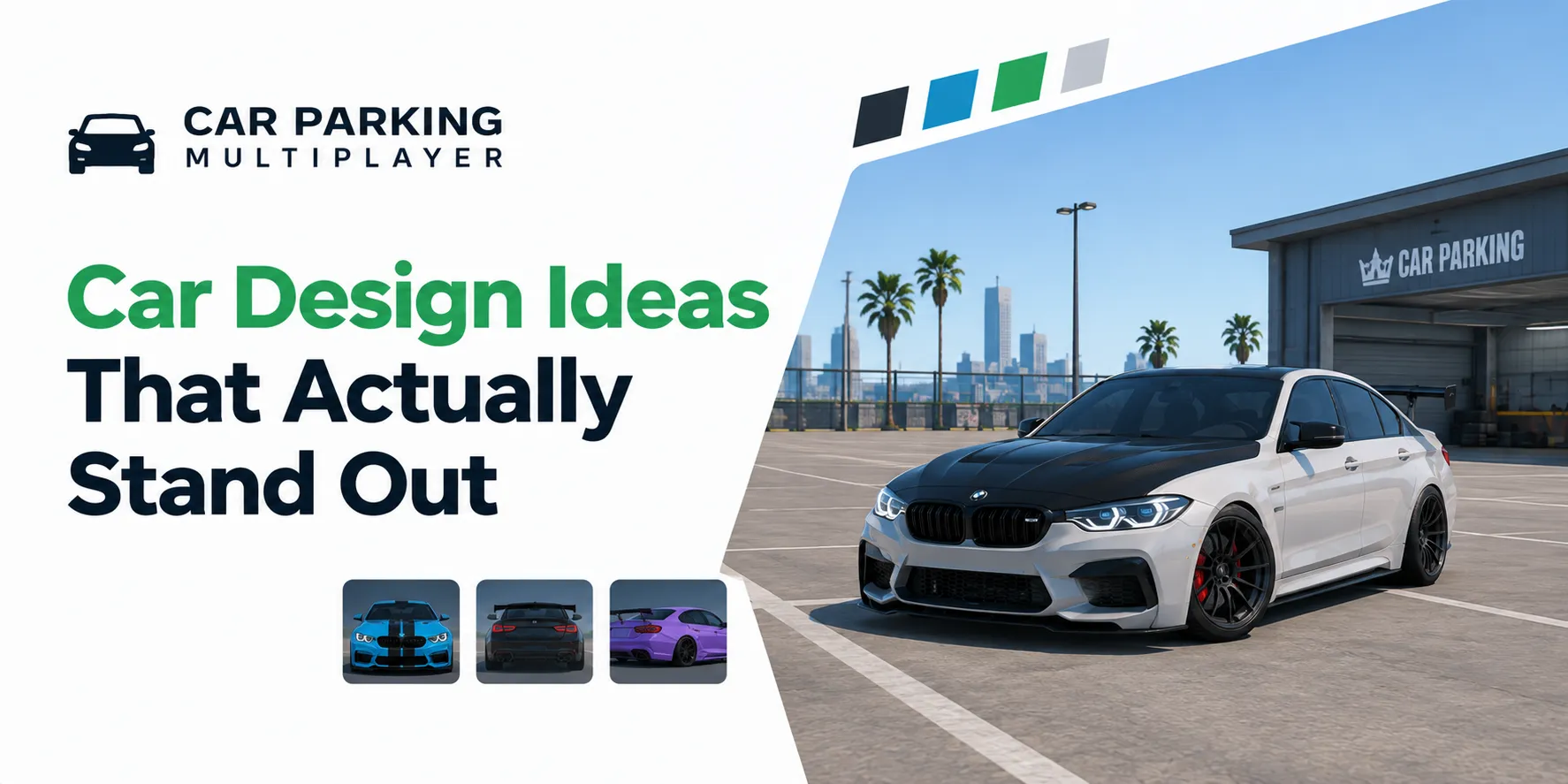
Customized Car Parking Multiplayer vehicles with unique paint jobs vinyls and body kits

Car Parking Multiplayer Car Design Ideas: Best Color Codes & Customization Tips

Customized Car Parking Multiplayer vehicles with unique paint jobs vinyls and body kits

Car Parking Multiplayer car design ideas are the color codes, liveries, and customization setups you copy onto your own car to stand out in a lobby. The game gives you HEX color input, vinyls, rims, body kits, and paint finishes, so two players in the same car can look nothing alike. I have put a lot of hours into testing codes on different body shapes, and the best car customization tips in this guide come from what actually worked. You will get the top 10 color codes, a 50+ code library, full car liveries with exact HEX values, roleplay builds, and performance tuning. I will also show how to apply codes on Android, iOS, and PC, and what changes in Car Parking Multiplayer 2. Car Parking Multiplayer (CPM) is a Simulation game by Olzhass with 180+ cars and 200,000,000+ downloads.

Tip: You can build and preview a full design first using the CPM Car Design Tool, then copy the codes into the game.

To customize your car, open the garage and go to the car upgrade section. From there you reach every appearance and performance option.

  • Open the game and go to your garage.
  • Select the car you want to design.
  • Tap Car Upgrade.
  • Open Exterior for paint, rims, vinyls, and body parts.
  • Open the tuning tabs for engine, suspension, brakes, and transmission.

Everything below happens inside these menus. Save each change before you leave a tab.

Concept infographic explaining HEX color codes and paint finishes in Car Parking Multiplayer

Players use color codes to give a car an exact shade instead of the few presets everyone else uses. CPM reads standard HEX values, which means you get access to millions of colors, not just the default swatches.

A HEX color code is a six character value starting with #, written as #RRGGBB. Each pair sets red, green, and blue from 00 (none) to FF (full).

  • #000000 is pure black.
  • #FFFFFF is pure white.
  • #FF0000 is pure red.

You paste one value into the HEX field and the car repaints instantly.

A HEX code sets the color only. The finish is a separate setting. This matters because the same code looks different depending on the paint type you pick.

Finish

Shine

Night visibility

Best use

Matte

Low

Low

Drift and stealth builds

Gloss

High

Medium

Sports and show cars

Metallic

Very high

High

Supercars and luxury builds

So “matte black #0F0F0F” means the code #0F0F0F painted with a matte finish. Change the finish and the same code reads brighter or flatter.

One code can look off between two cars for four reasons.

  • Body shape: curves and flat panels reflect light differently.
  • Finish: matte absorbs light, metallic bounces it.
  • Lighting: daytime sun versus night neon changes the tone.
  • Panel size: a big hood shows a shade fuller than a thin door strip.

I paint the hood first to judge a code, since it is the largest flat panel and gives the truest read.

The steps below are for the current CPM1 layout. In Car Parking Multiplayer 2 the color field sits under Visual Settings instead of Exterior, so check that tab if you are on CPM2.

  • Open CPM and go to the garage.
  • Select your car and tap Car Upgrade.
  • Go to Exterior and tap the paint icon.
  • Open the color palette, not the preset swatches.
  • Find the HEX input box (bottom area of the palette).
  • Type the code starting with # and apply.
  • Open the appearance settings for your car.
  • Tap paint and open the color wheel.
  • Find the HEX and RGB input fields.
  • Enter your code and confirm.
  • Go to the garage from the in game menu.
  • Click Car Upgrade, then Exterior.
  • Click the color box to open the palette.
  • Type your HEX code in the input field.
  • Click Apply to save.

To copy a design, pick a reference car, then transfer its layers onto your car in the Exterior menu.

  • Select the car whose design you want.
  • Open Garage, then Car Upgrade, then Exterior.
  • Copy the vinyl, sticker, and paint layers.
  • Paste them onto your car and adjust position.
  • Mirror one side to the other for a clean, symmetrical look.
  • Save every layer as you go.

These are the ten codes I reach for most. Each one lists the color, the finish that suits it, and the build it fits.

#

Name

HEX code

Finish

Best for

1

Metallic Gold

#FFD700

Metallic

Supercars, SUVs

2

Neon Green

#39FF14

Gloss

Drift, night races

3

Matte Black

#0F0F0F

Matte

German builds, stealth look

4

Gloss Red

#DC143C

Gloss

Sports cars, classic JDM

5

Pearl White

#FFFDF5

Metallic

VIP, luxury SUVs

6

Chameleon Purple

#6600CC

Metallic

Show cars, drift builds

7

Frozen Blue

#0096FF

Gloss

Electric style builds

8

Neon Pink

#FF1493

Gloss

Drift and theme builds

9

Metallic Blue

#4169E1

Metallic

JDM, sport sedans

10

Matte Grey

#464646

Matte

German cars, minimal builds

Metallic Gold reflects sunlight hard, so it pops most on big supercar panels. Neon Green is the one people notice in a dark lobby.

Here are more than 50 codes worth of range, grouped by category. Pair any color with the finish noted next to it.

Name

HEX code

Finish

Matte Black

#0F0F0F

Matte

Matte Grey

#464646

Matte

Matte Army Green

#4B5320

Matte

Matte White

#F5F5F5

Matte

Name

HEX code

Finish

Metallic Gold

#FFD700

Metallic

Metallic Silver

#C0C0C0

Metallic

Deep Metallic Blue

#002366

Metallic

Champagne Gold

#E6BE8A

Metallic

Name

HEX code

Finish

Neon Green

#39FF14

Gloss

Neon Pink

#FF1493

Gloss

Neon Blue

#1F51FF

Gloss

Neon Purple

#9400D3

Gloss

Name

HEX code

Finish

Chameleon Purple

#6600CC

Metallic

Galaxy Blue

#1A1A8C

Metallic

Frozen Blue

#0096FF

Gloss

Midnight Pearl

#0A0A0A

Metallic

Match the color family to the build and it always reads better in a lobby.

Car type

Recommended codes

Why

Drift cars

Neon Green #39FF14, Neon Pink #FF1493, Chameleon Purple #6600CC

High visibility at night, reactive finishes

Racing cars

Gloss Red #DC143C, Metallic Blue #4169E1, Metallic Gold #FFD700

Bold, fast looking, eye catching

Show cars

Chameleon Purple #6600CC, Pearl White #FFFDF5, Midnight Pearl #0A0A0A

Adds a premium, unique feel

SUVs and trucks

Matte Grey #464646, Metallic Gold #FFD700, Matte Army Green #4B5320

Rugged and strong

German and JDM

Metallic Blue #4169E1, Matte Grey #464646, Deep Metallic Blue #002366

Highlights sleek body lines

A rainbow effect uses seven codes applied across panels or vinyl layers so the body blends from one color to the next. Most guides skip it, but it looks strong when the light hits right.

Color

HEX code

Position

Finish

Red

#FF0000

Front start

Gloss

Orange

#FFA500

Transition

Gloss

Yellow

#FFFF00

Transition

Gloss

Green

#008000

Transition

Gloss

Blue

#0000FF

Transition

Gloss

Indigo

#4B0082

Transition

Gloss

Violet

#8B00FF

Rear end

Gloss

  • Open the custom color editor in the paint menu.
  • Apply each code to a different vinyl layer or panel section, front to back.
  • Raise brightness for a glossy rainbow look.
  • Use the gradient blend option if your CPM version has it, so transitions stay smooth.
Comparison infographic showing popular Car Parking Multiplayer liveries and design styles

These are ten full designs with the primary and secondary codes. Take the first code as the base color, then place the rest as vinyls and accents. I have driven all of these in lobbies and noted what makes each one work.

Codes: Black #424242, Orange #E18116

Black is the base, orange is the accent. Use arrow style symbols along the sides and edit their scale to fit the panels. The orange reads best on the hood and rear wing. This is the build that gets the most looks for me on the GT-R.

Codes: Orange #E59736, Blue #3267CE, Gray #3B3C3E

Set gray as the base, then run orange as the main livery and blue as the secondary stripe. Keep the blue thin so it frames the orange instead of fighting it.

Codes: Black #020202, Red #C60A14, White #FDFDFD

Black base, red as the main accent, white for text and edges. This car takes a lot of small symbols, so plan the layout before you place them.

Codes: Black #181818, White #DBDBDB

White is the base here, black is the secondary. The classic two tone AE86 split looks clean and is easy to mirror side to side.

Codes: Red #ED4247, White #FDFDFD, Purple #454977, Yellow #F3C961

White base with the retro stripe set of red, purple, and yellow across the doors. This is a four color build, so give yourself time and practice the stripe spacing first.

Codes: Black #474747, White #FEFEFE, Yellow #FED141, Red #E94152

Black base, yellow as the loud accent, with red and white detail. It looks complex but the layout is simple, so beginners can build it.

Codes: Black #1D1D1D, White #F8F8F8, Purple #475275

White base with vinyl text and light purple accents. Keep it minimal. The clean look is the whole point of this one.

Codes: Blue #47ADE6, Dark Blue #023C61

Bright blue base, dark blue vinyl detail, a little white text. Simple shapes only. This reads great on a low, sporty body like the BRZ.

Codes: White #F9F9F9, Green #A8CB61

White base with green camo style vinyl accents. Add yellow or black text with one of the in game fonts. CPM does not support custom fonts, so pick from what is there.

Codes: Black #2D2D2F, White #DFE0E7, Golden #D8C276

Black base with gold vinyl edges and black or white text on top. The gold trim is what makes this build feel like a real track car.

Roleplay builds work best when the color scheme matches the role at a glance.

Use white, black and white, or dark blue as the base for a police patrol car. Add sirens and police lights. This scheme reads as police instantly in a lobby.

Use yellow or white as the base and add simple text for the taxi label. That color and text combo gives a clean, professional taxi look.

Keep VIP and escort cars plain in black or dark shades with no vinyls. A metallic or gloss finish sells the clean, high end look.

Use black or bold colors for a street racer build. Neon accents on the rims and edges fit the underground night racing feel.

Exterior is where most of a design comes together. These are the options and how I use them.

Set the base color with a HEX code, then choose the finish. Two to three colors is the sweet spot. More than that gets messy fast.

Rims change the whole stance. Pick a rim color that contrasts the body, for example neon rims on a matte body. Adjust size to suit a sport or luxury look.

Body kits reshape the car with front bumpers, rear bumpers, side skirts, and spoilers. Use them to push a build toward aggressive or clean.

Tint adds style and depth. Darker tint suits stealth and VIP builds, lighter tint keeps a show car open.

Stickers and decals carry logos, stripes, and artwork. Keep them on theme. Random stickers are the fastest way to ruin a clean design.

You can color your tires in CPM without any hack. This method works on some versions and devices only and may break after an update, so treat it as a bonus trick, not a guaranteed feature. The usual route is a stylish text app that lets you paste a formatted color string into the tire color field. If it does not take on your version, skip it and stick to standard wheel colors.

Build a logo from paint layers at different opacity and place it on the doors or hood. A single clean logo beats a cluttered set of marks.

Interior work pays off in cockpit view. You can change the dashboard style, steering wheel, seat colors, and trims. Match the interior accent to your exterior accent color for a build that feels finished inside and out.

A design should drive as well as it looks. These four upgrades matter most.

Engine upgrades raise acceleration and top speed. This is the first thing to spend on for racing.

Suspension sets how the car takes bumps and turns. Lower and stiffer suits drift and street builds.

Better brakes shorten stopping distance and give more control at speed.

Transmission tuning changes gear shift timing. A shift time near 0.5 seconds gives a sharp launch for racing.

Checklist infographic for creating attractive Car Parking Multiplayer vehicle designs

These are the habits that separate a clean build from a messy one.

  • Pick a theme first, then choose colors that fit it.
  • Match the finish to the car style: matte for drift, metallic for luxury.
  • Use two to three colors, no more.
  • Contrast the rim color against the body.
  • Keep the layout symmetrical, then mirror one side.
  • Balance looks with real performance upgrades.
  • Test the build at day and night before you settle.
  • Take inspiration, then add one detail that is yours.

Most messy cars come from the same errors. Skip these.

  • Starting with no plan or theme.
  • Picking a random base color that fights the body.
  • Stacking too many vinyls and stickers.
  • Using more than three colors.
  • Designing each side differently, which breaks symmetry.

When you paste HEX codes, watch for these small slips that stop a code from applying:

  • Extra spaces or characters around the code.
  • Pasting into the wrong input field.
  • Using a gradient only value in a solid color field.

Colors shift between day and night because the game lighting changes how each shade reads.

  • Sunlight brightens gloss and metallic, so they look lighter by day.
  • Matte absorbs light, so it flattens further at night.
  • Neon colors glow under low light, which is why they win in dark lobbies.

Test a code at both times before you lock it. I have picked codes that looked perfect at noon and dull at night, so now I always check both.

If a color glitches or will not save, reset and reapply.

  • Use the reset button (the circular button in the garage) to clear a bad layer.
  • If reset fails, retype the HEX code by hand and restart the game.
  • If a color will not save, check for a game update or a conflicting mod.
  • Keep your CPM version current so HEX support stays full.

Car Parking Multiplayer 2 (CPM2) is a separate game, not just an update, and the color system reads a little differently.

  • The color input field sits under Visual Settings, not Exterior.
  • Metallic finishes look sharper because of improved lighting.
  • Neon colors pop harder in night mode.
  • CPM2 supports smoother gradient blends than CPM1.

Every HEX code in this guide works in CPM2. Chrome Gold #FFD700 and Neon Green #39FF14 on the rims are strong first tests under CPM2 lighting.

You can play every design in this guide in the base game. If you want the mod build, the version we host adds unlimited coins, paid cars and cosmetics available without grinding, and an ad free session, so you can spend your time designing instead of earning. Get it from our download page.

Good car design in CPM comes down to a clear theme, two or three colors, the right finish, and a clean symmetrical layout. Start with the top 10 codes, build a full livery from the design list, then add one detail that makes it yours. Test at day and night, keep the performance upgrades in step with the looks, and skip the common mistakes. Copy the Car Parking Multiplayer car design ideas above, then take them to a lobby and see who stops to look.

The best racing color is Gloss Red #DC143C with a few white or black accents. It reads bold and fast in a lobby.

The BMW E30 and M3 E36 are the best cars to design, since their panels take stripe liveries cleanly.

Metallic Gold #FFD700 and Pearl White #FFFDF5 with grey or black accents look the most luxurious.

No. Color codes are cosmetic only and do not change speed, handling, or any stat.

Yes. Dual tone and gradient effects work in the latest CPM versions by placing codes on separate panels or vinyl layers.

Different body shapes, finishes, and lighting change how a code reads. Adjust the finish or test the code at a different time of day.