Car Parking Multiplayer for PC Download & Play on Windows
Playing Car Parking Multiplayer on a phone is fun until you try parallel parking on a 6-inch screen with your thumb blocking half the view. That’s exactly why so many players search for a way to run the game on a bigger screen instead.
Windows 7, 8, 10, 11
v4.9.10.3
07 July 2026
FREE
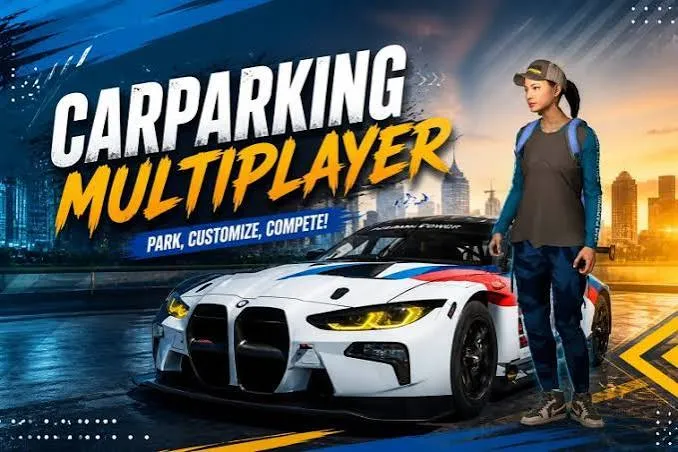
The good news is, Car Parking Multiplayer for PC is not complicated to set up. The game was built for Android, so there’s no direct Windows installer, but an emulator bridges that gap easily. Once it’s running, you get sharper graphics, keyboard and mouse controls, and a screen big enough to actually see your parking spot.
Quick Info
|
Detail |
Info |
|
Game |
Car Parking Multiplayer |
|
Developer |
Olzhass |
|
Platform |
Windows (via emulator) |
|
File Size |
Around 2 GB |
|
Emulators Supported |
BlueStacks, LDPlayer, MEmu, GameLoop, NoxPlayer |
|
Downloads (Mobile) |
100,000,000+ |
|
Price |
Free |
Why Play Car Parking Multiplayer on PC?
A bigger screen changes how the whole game feels. On mobile, your thumbs cover part of the action, and touch controls make tight parking spots harder than they need to be. On PC, keyboard and mouse give you sharper steering, cleaner braking, and way more control over drifting and reversing into narrow spots.
There’s also no battery drain to worry about. Plug in and play for hours without your phone overheating or dropping into power-saving mode mid-race. And running through an emulator means higher frame rates too, so the open world feels noticeably smoother than on most phones.
What This Game Actually Offers
Car Parking Multiplayer is more than a parking simulator. It’s a full open-world driving game with real multiplayer, car customization, and a bunch of different modes packed into one app.The game also gets regular updates with new cars, map details, and small physics improvements, so it’s worth checking Olzhass’s official page every few months for the latest patch notes and content.
Career Mode
Career mode has over 80 parking challenges that get progressively harder. You start with basic forward parking and work up to parallel parking between moving traffic and reverse docking into tight garages. Each level pays out coins, which you can then spend on new cars or upgrades.
Open World Multiplayer
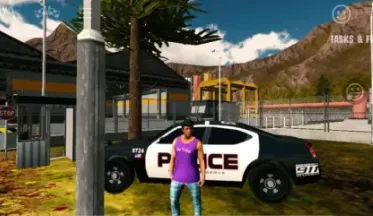
The open world lets you cruise, race, or just hang out with other players in real time. The map includes a city zone with traffic, a desert area for off-roading, a mountain zone, and a highway built for drag racing. You can walk around on foot too, step into shops, or visit the police department.
Police Mode
Turn your car into a police vehicle, chase down other players, and issue fines for breaking traffic rules. It’s a fun twist on the usual driving loop, and other players can chase you back if you’re the one causing trouble.
Taxi Missions
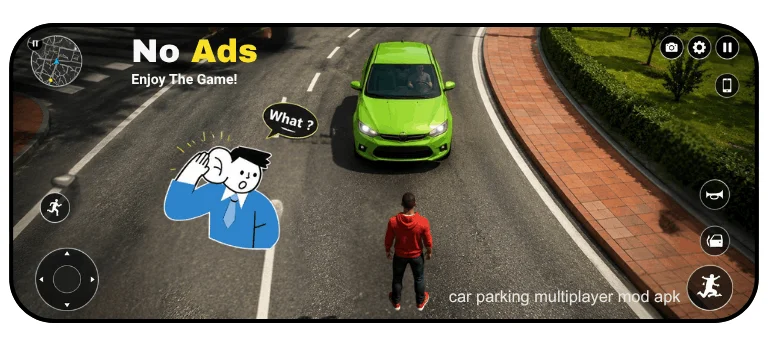
Pick up passengers around the map and drop them off at their exact destination within a time limit. You earn coins per completed fare, and the difficulty scales with how patient the passenger is. It’s a relaxed way to explore the map while still making some in-game cash between races.
Vehicle Variety and Tuning
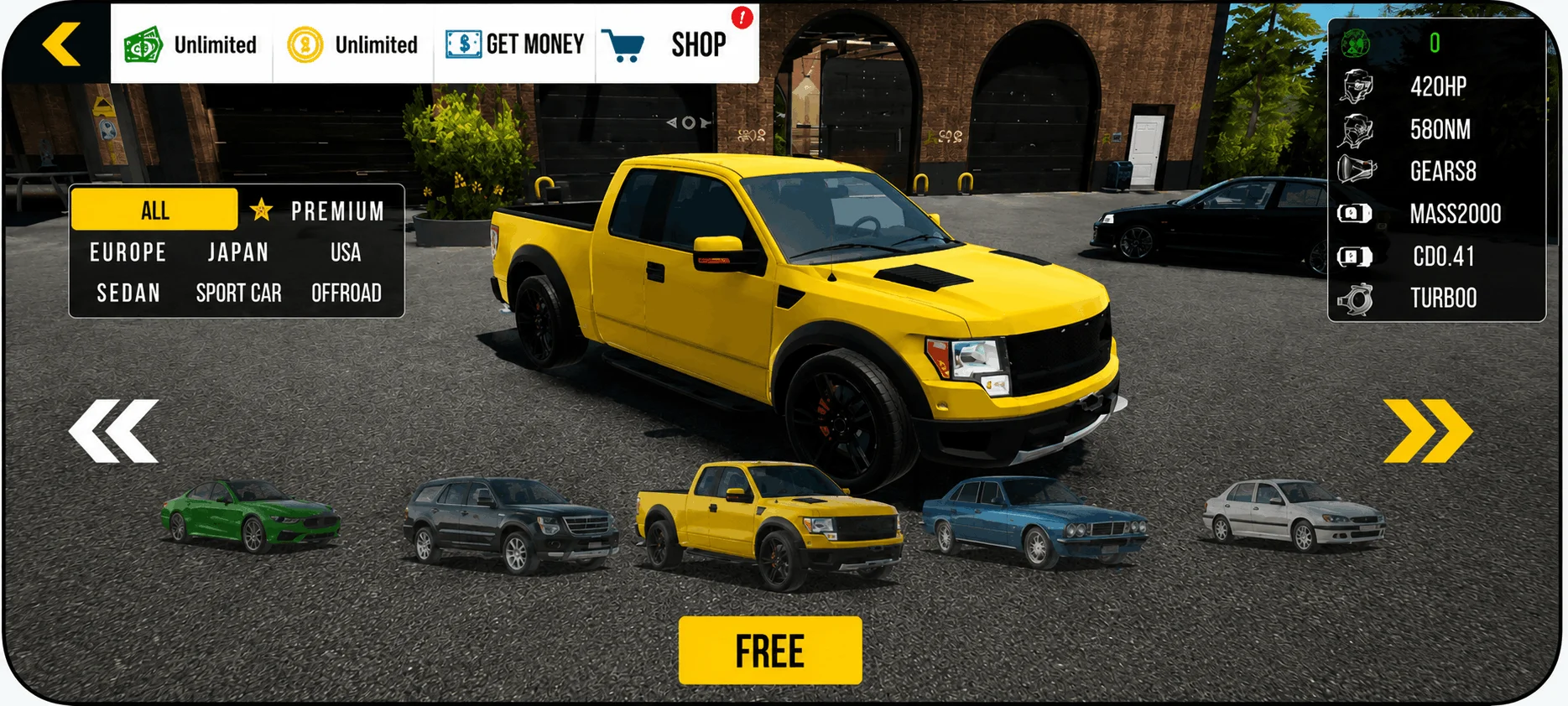
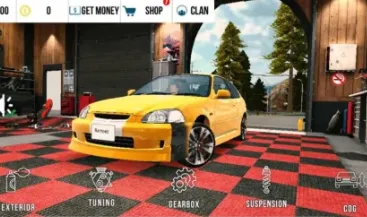
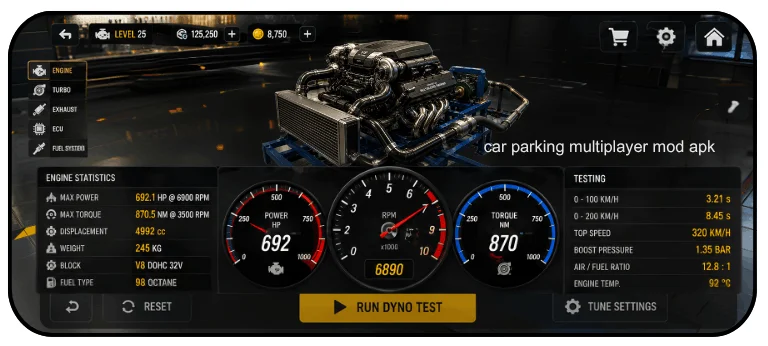
The car list runs well over 150 vehicles, covering everything from JDM classics to European sports cars and full-size trucks. Engine swaps, turbo setups, suspension height, and gear ratios are all adjustable, so tuning actually changes how a car drives.
Free Walking and the Vinyl Editor
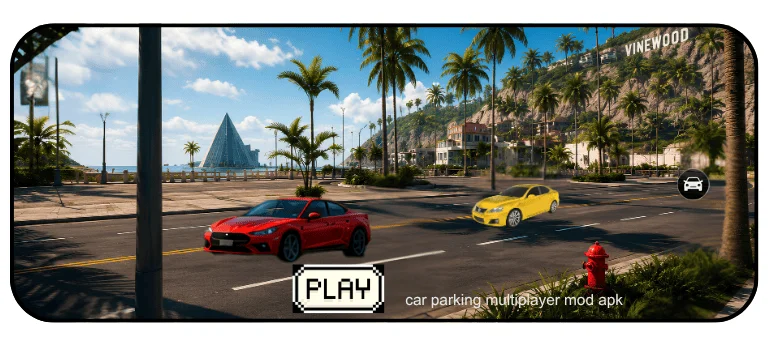
Step out of your car anytime and walk into buildings, or use the multi-layer vinyl editor to design your own paint jobs. This is one of those features that doesn’t sound like much on paper but ends up eating hours once you start experimenting with it.
No Damage and Controller Support
Crash into a wall on purpose to test a new car, and nothing happens. No damage means no repair costs either. If you’d rather not use a keyboard, most emulators support Xbox, PlayStation, or racing wheel controllers too.
If you enjoy this kind of open-world driving, browsing a few more car parking games is worth doing before you settle on one setup.
PC vs Mobile: What Actually Changes
|
Factor |
Mobile |
PC (Emulator) |
|---|---|---|
|
Controls |
Touchscreen |
Keyboard, mouse, or controller |
|
Screen Size |
5″ to 7″ |
Any monitor size |
|
Battery |
Drains, can overheat |
No drain, plugged in |
|
Frame Rate |
Varies, can drop |
Usually smoother |
|
Multiple Accounts |
One at a time |
Possible via most emulators |
Which Emulator Should You Use?
None of these games run natively on Windows, so picking the right emulator matters more than people expect.
BlueStacks
The most widely used Android emulator for gaming. It handles graphics-heavy games well, supports custom key mapping, and lets you run multiple game instances at once. Best suited for higher-end PCs where you want maximum performance and customization.

LDPlayer
Lighter on system resources than BlueStacks, which makes it a solid pick for mid-range PCs. It still supports custom keyboard controls and decent frame rates without needing a dedicated graphics card.
MEmu Play
Built for budget laptops and older desktops. It can run on as little as 2GB of RAM, which makes it the go-to option if your PC is on the weaker side.

GameLoop
Originally built by Tencent for mobile games specifically, GameLoop’s key mapping feature automatically detects driving controls and maps them to your keyboard, so the setup process is quicker than with other emulators.

NoxPlayer
A free option that supports keyboard, gamepad, and multiple instances at once. It’s stable, lightweight, and works fine even on older Windows versions.

Quick pick guide: high-end PC → BlueStacks. Mid-range → LDPlayer. Older or budget PC → MEmu or NoxPlayer. Simple setup with no fuss → GameLoop.
Once you’ve got the right emulator running smoothly, exploring a few other parking simulation games on the same setup is easy too.
How to Download and Install Car Parking Multiplayer on PC
Choose an emulator
Pick BlueStacks, LDPlayer, MEmu, GameLoop, or NoxPlayer based on your PC’s specs.
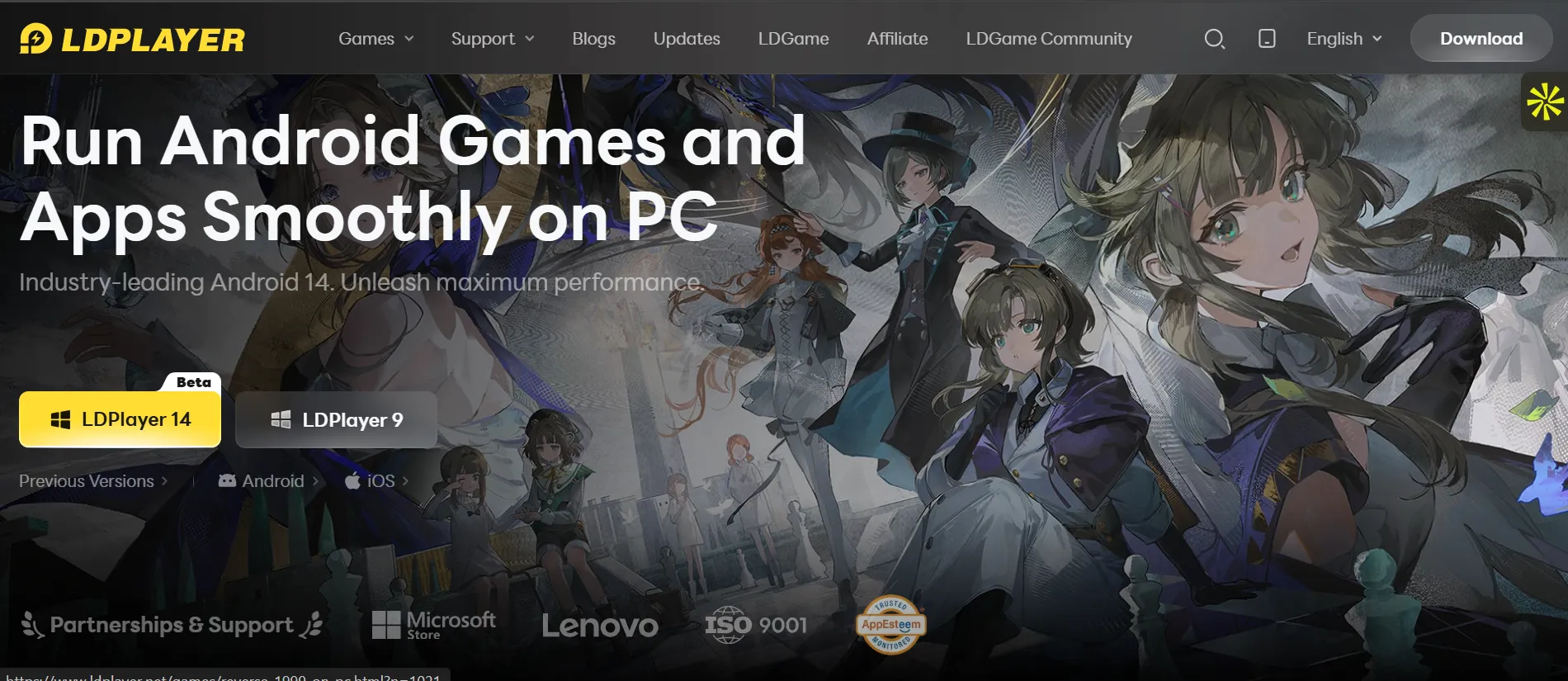
Download and install the emulator
Get it from the official website and run the installer.
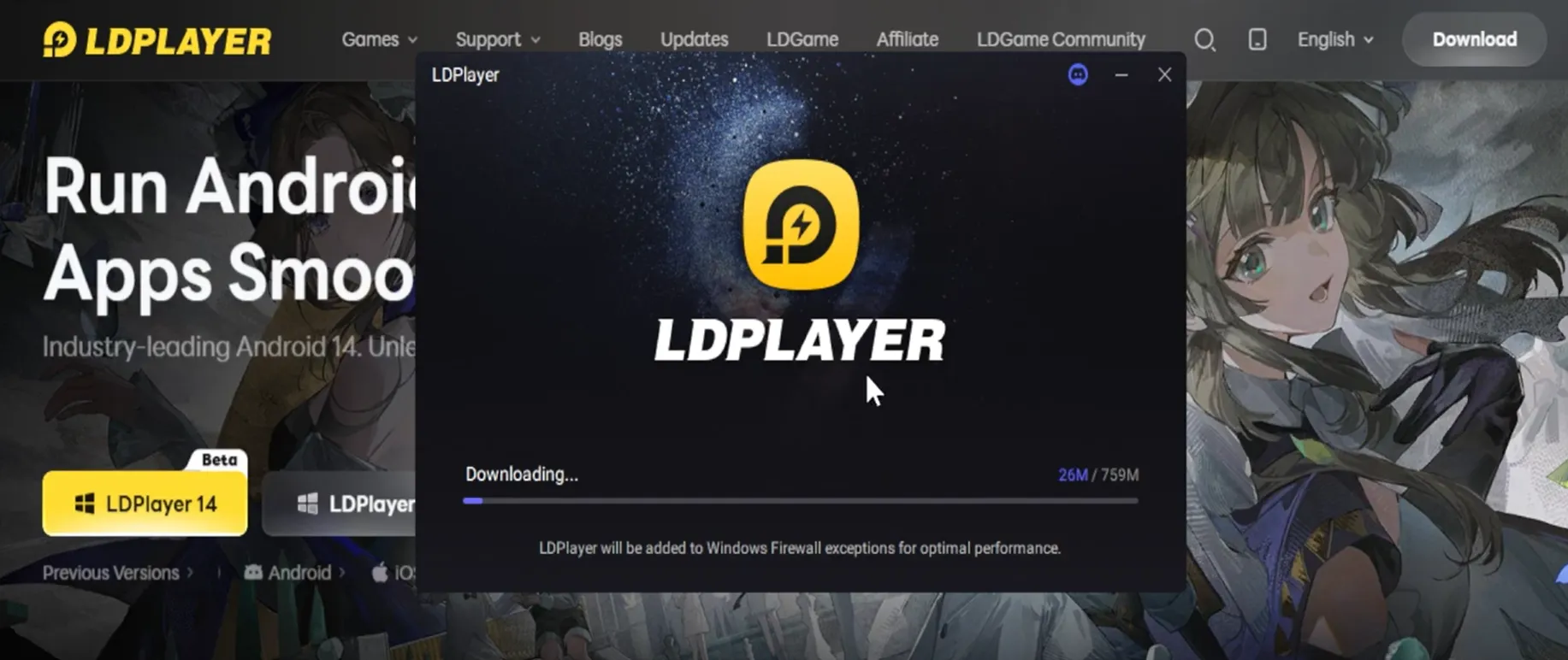
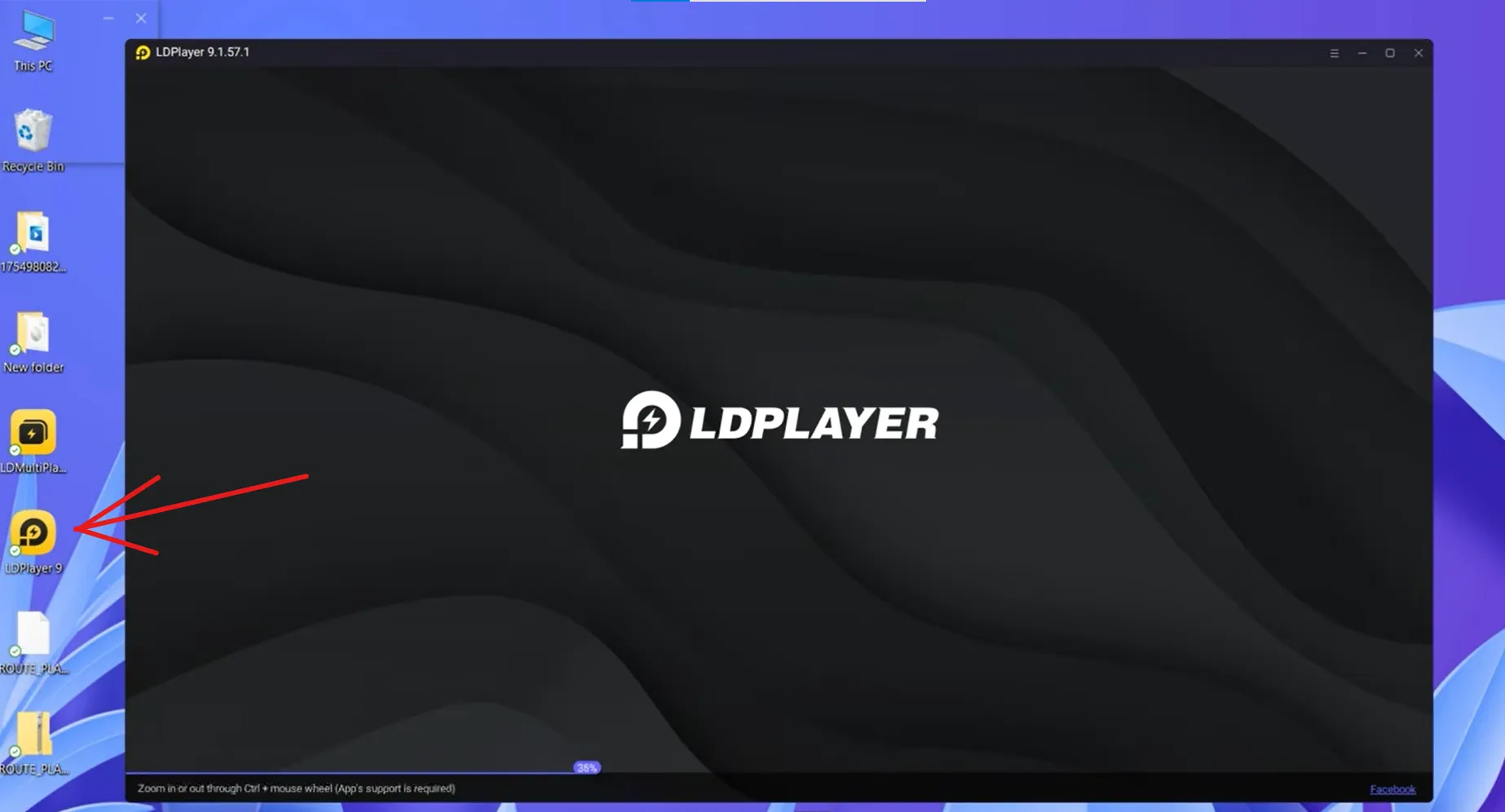
Open the emulator
Sign in with a Google account if it asks, since some methods install through the Play Store directly.
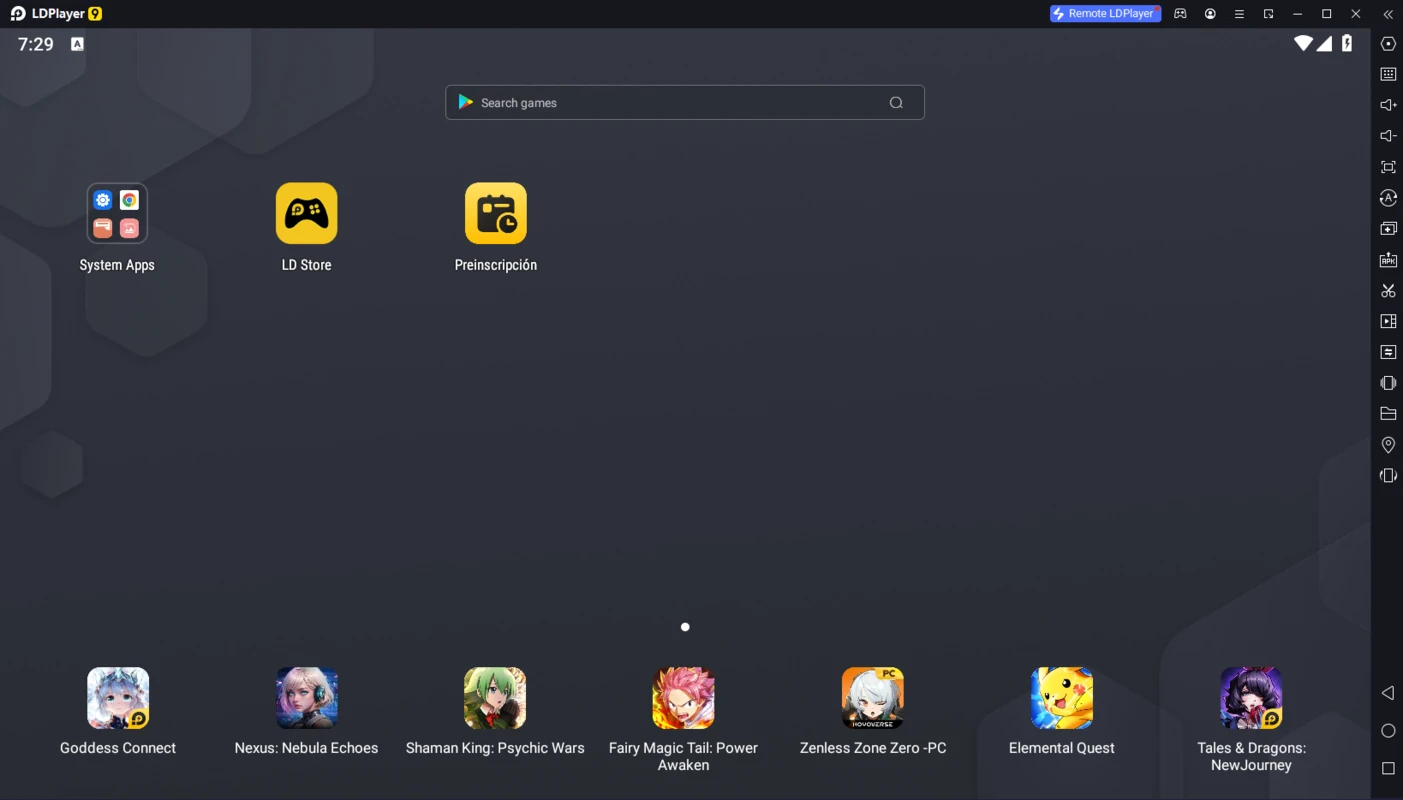
Get the game file
Tap Install and wait for it to finish. The file sits around 2.9 GB, so it may take a couple of minutes.
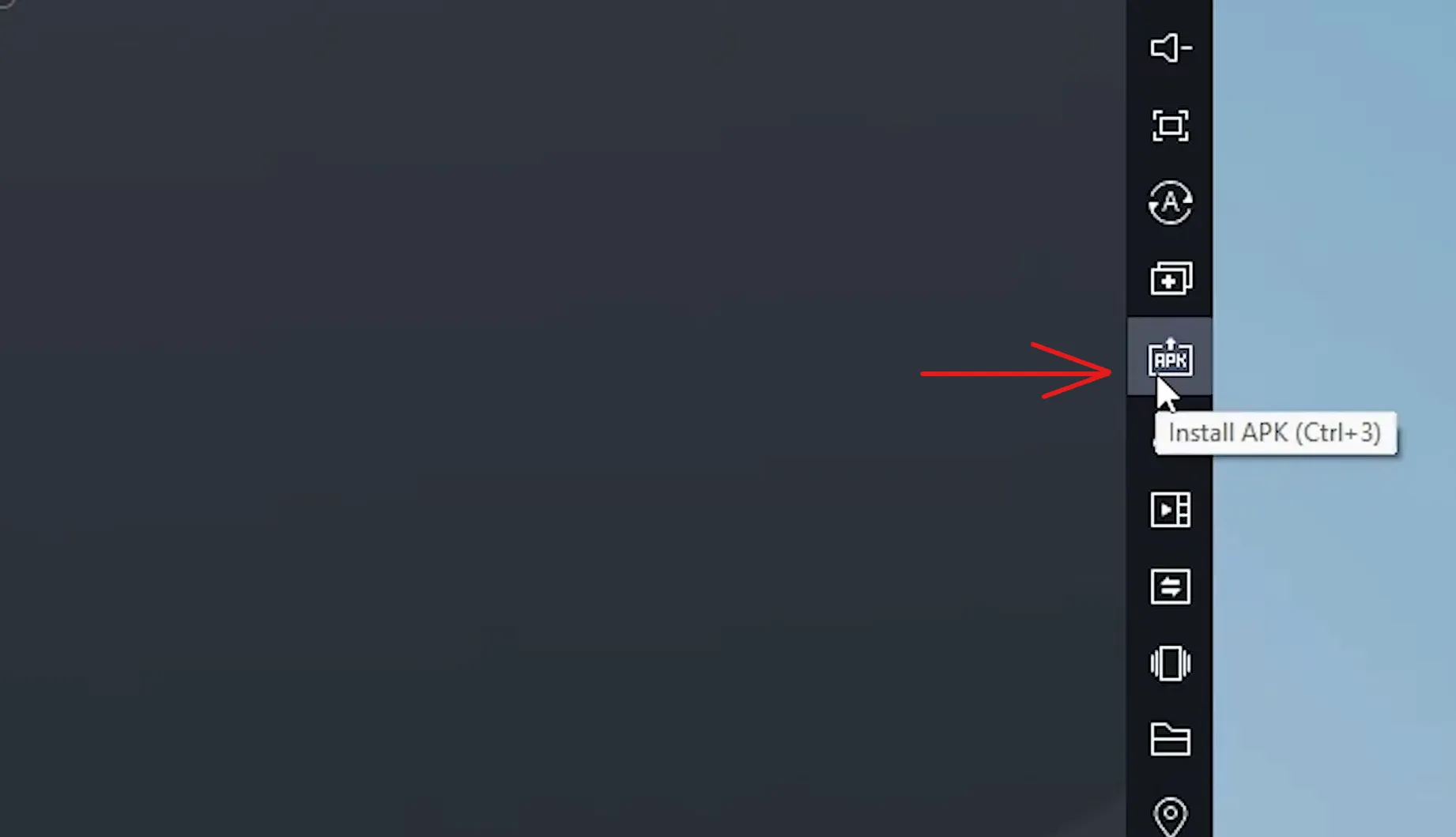
Install the game
If using an APK, drag and drop the file straight into the emulator window. It installs automatically within a few seconds.
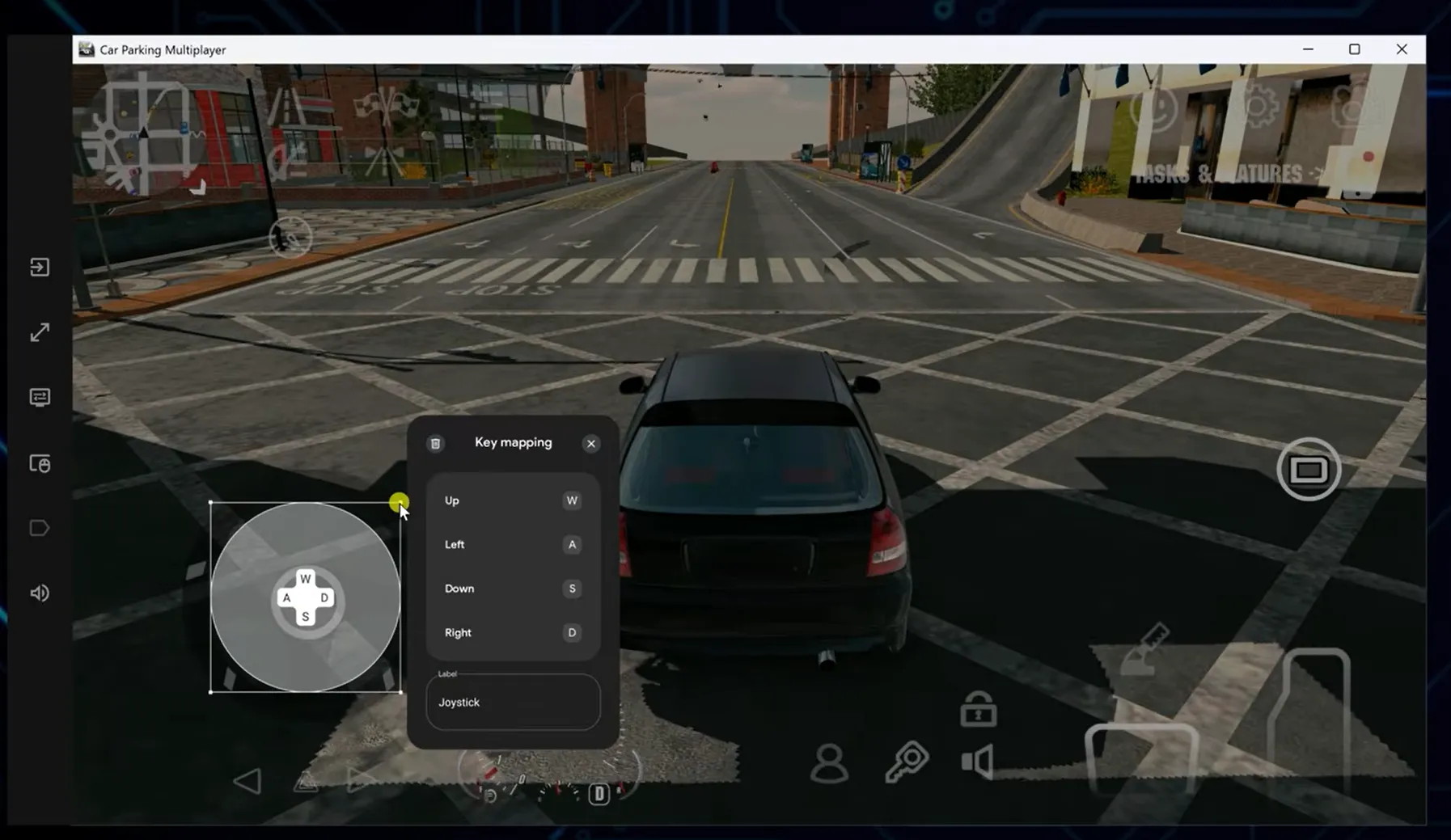
Launch and configure controls
Open the game from the emulator’s home screen, then set up your keyboard or controller mapping before your first drive.
For anyone updating an existing installation, install the new APK directly on top of the old build without uninstalling first, this keeps saved progress intact.
System Requirements
Minimum Requirements
|
Component |
Minimum |
|
OS |
Windows 7/8/10/11 (64-bit) |
|
Processor |
Intel or AMD Dual-Core |
|
RAM |
4 GB |
|
Storage |
5 GB free space |
|
Graphics |
Integrated graphics (e.g. Intel HD) |
|
Internet |
Stable connection for multiplayer |
Recommended Requirements
|
Component |
Recommended |
|
OS |
Windows 10/11 (64-bit) |
|
Processor |
Intel i5 or AMD Ryzen 5 |
|
RAM |
8 GB or more |
|
Storage |
10 GB SSD |
|
Graphics |
Dedicated GPU (GTX 1050 Ti or better) |
|
Internet |
Fast, stable broadband |
Meeting the minimum spec gets the game running, but sticking closer to the recommended setup is what actually gets you smooth frame rates during busy multiplayer lobbies.
Tips for Optimal Emulator Performance
Getting smooth frame rates isn’t just about hitting the recommended specs, a few settings inside the emulator itself make a real difference too.
Keep your graphics drivers updated, since outdated drivers are one of the most common causes of stuttering in emulators. Most emulators let you manually allocate CPU cores and RAM in their settings, and bumping this up a notch usually improves frame rates noticeably. Switching the renderer to OpenGL instead of Vulkan also helps compatibility on some setups. Finally, adjusting in-game graphics quality to match your PC’s actual hardware, rather than maxing everything out by default, keeps things running smoothly during busy multiplayer lobbies.
Keyboard and Controller Mapping
|
Action |
Keyboard |
Controller |
|
Accelerate |
W |
Right Trigger |
|
Brake / Reverse |
S |
Left Trigger |
|
Steer |
A / D |
Left Stick |
|
Handbrake |
Spacebar |
A / X Button |
|
Camera Toggle |
C |
Right Stick |
|
Exit Vehicle |
F |
Y / Triangle |
Most emulators auto-map WASD for basic movement, but going into the key mapping settings and adjusting handbrake and camera controls manually makes drifting noticeably easier.
Advantages of Playing on PC
Better graphics and higher frame rates make the small details, like car interiors and lighting, actually visible. A larger screen reduces eye strain and gives you a wider view of your surroundings, which helps with reflexes and spotting other cars. Full keyboard, mouse, and gamepad support beats touchscreen controls for precision, and you’re never stuck watching a battery percentage drop mid-race. On top of that, most emulators let you run multiple game instances, so testing different builds or accounts side by side is simple.
Pro Tips for Better Gameplay
A few small adjustments make a noticeable difference once you’ve got the basics running.
For tighter parking, switch to the top-down or bird’s-eye camera view if the game offers one, it shows all four corners of your car at once, which makes tricky reverse parking far easier than the default chase camera. If drifting feels stiff, check your car settings for traction control or stability assist and turn them off, since these systems fight against intentional oversteer. For drag racing on the highway zone, longer first gear ratios help avoid hitting the rev limiter right at launch. And if you’re building custom liveries in the vinyl editor, picking your base color first before adding layered details saves a lot of redo work later.
Pros and Cons
Pros
Higher graphics quality and smoother frame rates
Bigger screen for better visibility
Full keyboard, mouse, and controller support
No battery drain
Several emulator options to fit different PC specs
Cons
No official native PC version exists
Initial control setup takes a few minutes
Needs a decent PC for best visuals
Emulator setup can feel confusing for total beginners
Common Problems and Fixes
Game won’t launch
Update the emulator to its latest version and double-check your PC meets the minimum requirements. Restarting both the PC and emulator often clears this up too.
Lag or low FPS
Close other apps running in the background, and increase the RAM and CPU cores allocated to the emulator in its settings. Lowering in-game graphics also helps on weaker hardware.
Emulator crashes or freezes
Update your graphics drivers and the emulator itself. If it keeps happening, a full reinstall of the emulator usually fixes it.
Multiplayer connection issues
A wired internet connection is more stable than Wi-Fi for open-world multiplayer. VPNs and overly strict firewall settings can also block the connection, so disabling them is worth trying.
Save data or progress not loading
Make sure the emulator has permission to store data properly. Clearing the cache or reinstalling the app inside the emulator usually resolves lost progress.
Frequently Asked Questions
Conclusion
Car Parking Multiplayer for PC turns a decent mobile game into something genuinely more comfortable to play. Bigger screen, sharper controls, no battery worries, and the choice of several emulators depending on what your PC can handle. Pick the emulator that fits your setup, follow the install steps, and you’ll be parking and drifting on a full-size screen within a few minutes. For more titles in the same genre once you’re set up, there are other multiplayer parking games worth checking out too.